






AIWAFT
AIWaft Full HD Video Capture Card | 1080p 60FPS | HDMI to USB + Type-C | Ideal for Gaming, Streaming & Live Recording on PC, Laptop & Mobile Devices
Key Features
- High-Definition 1080p 60FPS Recording: Capture smooth and lag-free gameplay or camera footage.
- Plug & Play USB + Type-C Interface: No drivers required; simply connect and start recording.
- Wide Compatibility: Works with PC, laptops, gaming consoles, cameras, and mobile devices.
- Ideal for Live Streaming: Perfect for Twitch, YouTube, Facebook Live, and Zoom meetings.
- Compact & Portable Design: Lightweight and easy to carry anywhere.
Technical Details
| Brand | AIWaft |
|---|---|
| Manufacturer | AIWaft Pvt Ltd |
| Model | AIWCAP20 |
| Video Capture Resolution | 1080p |
| Special Feature | Portable |
| Platform | Linux, Windows, Android |
| Supported protocol | HDMI 1.4 (Hdcp 1.4) |
| Maximum Resolution | 1920*1080 @60Hz |
| Ports | HDMI A socket |
| Recommended HDMI Max Input/output distance | upto 5m |
| Protocol | USB 2.0 |
| Coding format | NV 12, M JPEG |
| Working Temperature | 0°C~+45°C/10%~80% RH(unfrozen) |
| Size | 78*24*11.5mm |
Professional-Grade Streaming Made Easy
With high-speed transmission and lag-free performance, the AIWaft Full HD Video Capture Card brings next-level clarity and stability to your video recordings and live streams.

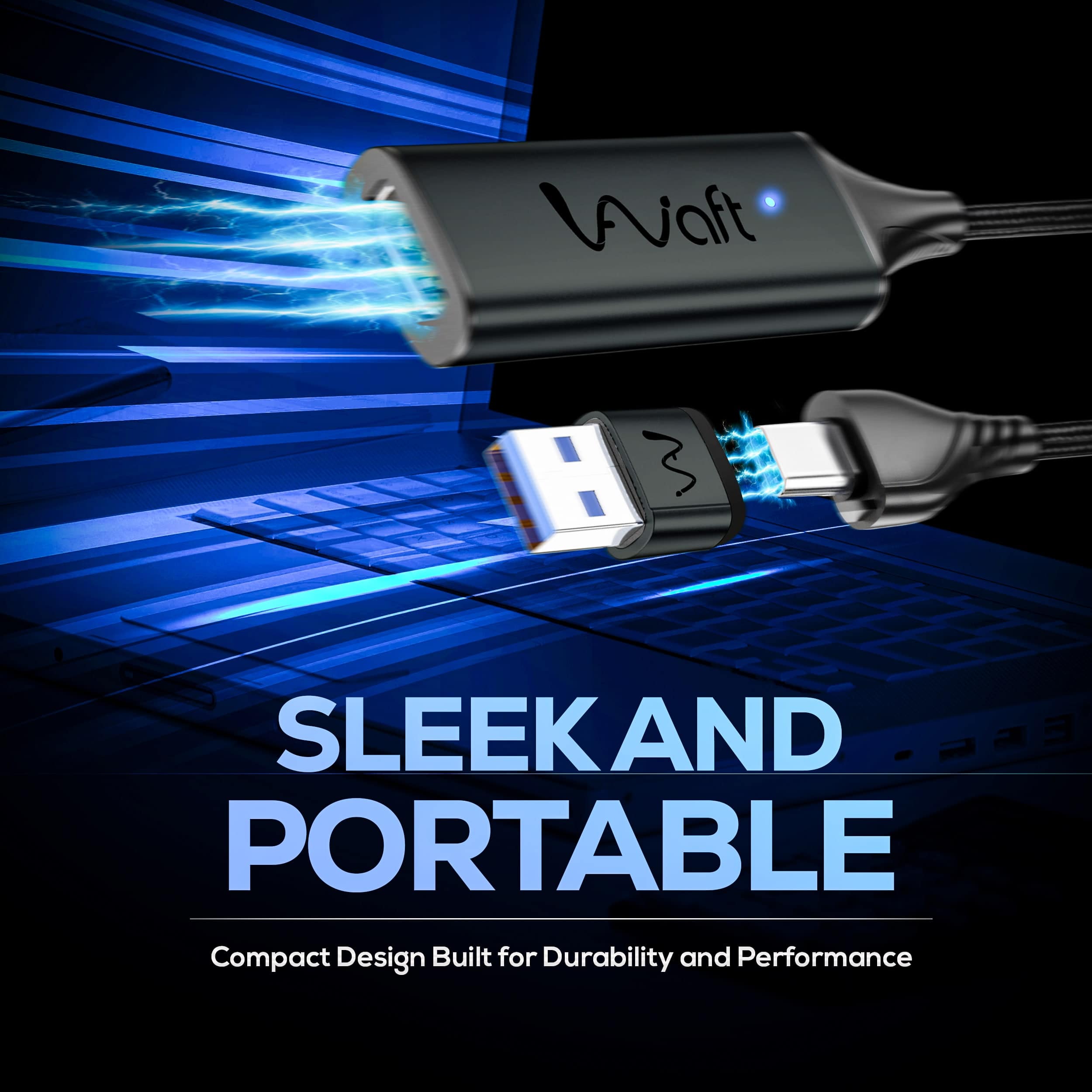
With its sleek and lightweight design, the AIWaft Full HD Video Capture Card is ideal for creators on the move. Easily fits into your pocket or bag, making it perfect for travel and on-the-go streaming setups.
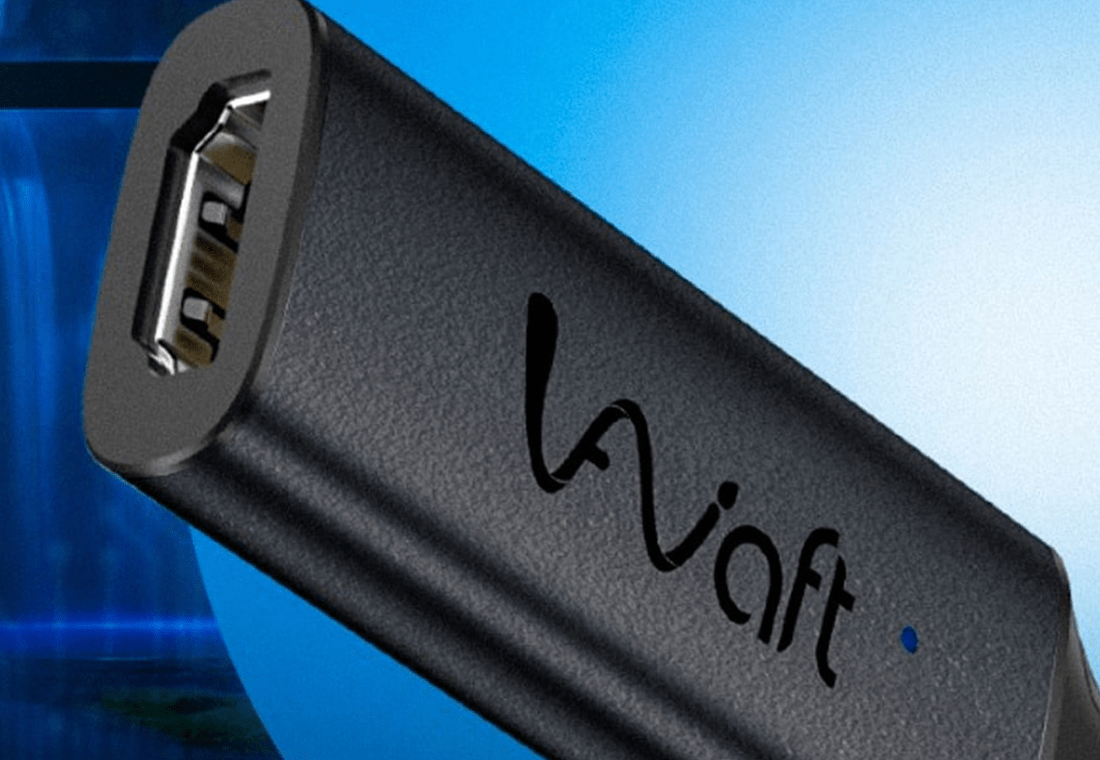
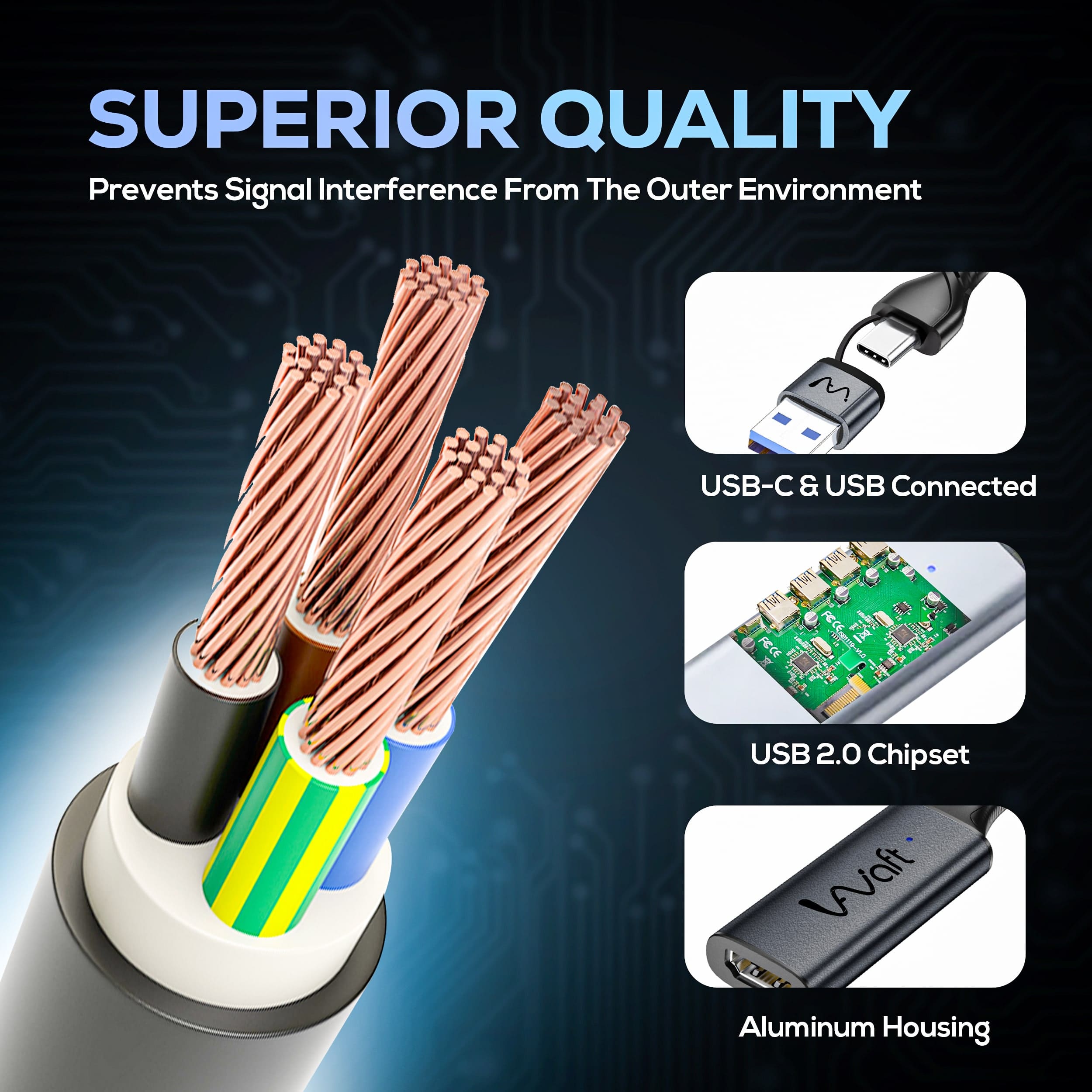
Built with high-quality alloy material, this capture card offers strong durability while efficiently managing heat. Its sturdy construction ensures long-lasting performance, even during extended usage.
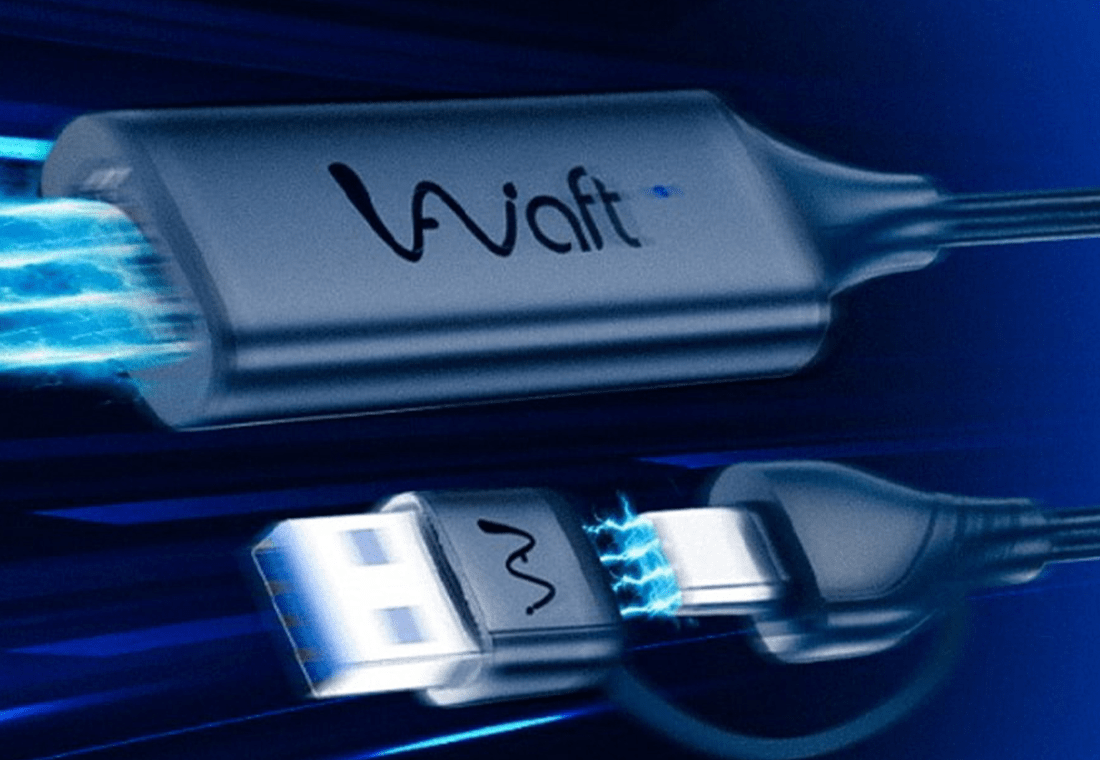
Enjoy smooth and lag-free video transmission with automatic signal equalization. The card delivers stable performance for high-quality streaming, recording, or video conferencing without interruptions.

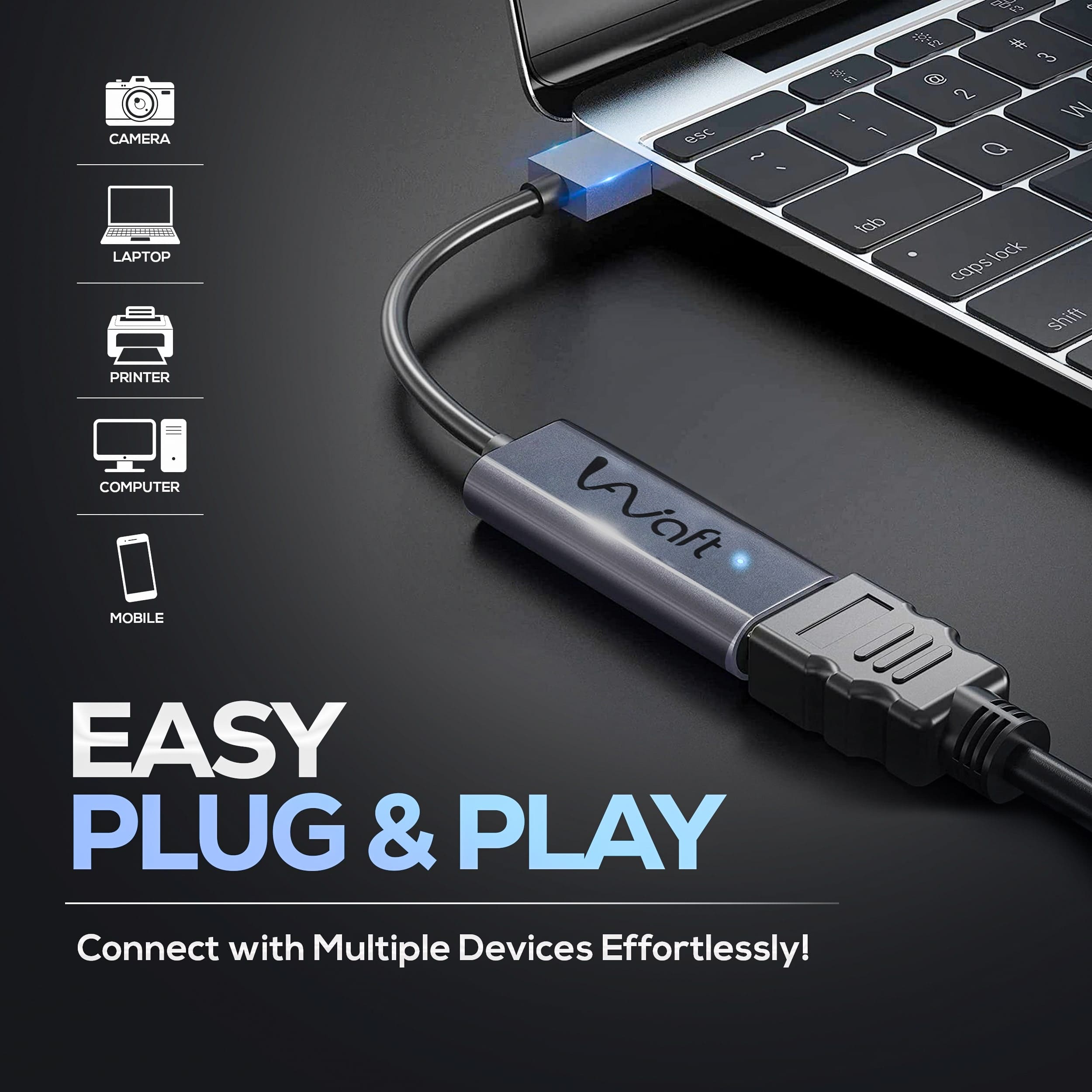
Get started instantly—no need for any drivers or software. Just plug it into your device, and you're ready to stream or record in Full HD. It's that easy and efficientfor any user.


General Questions About
Capture Card
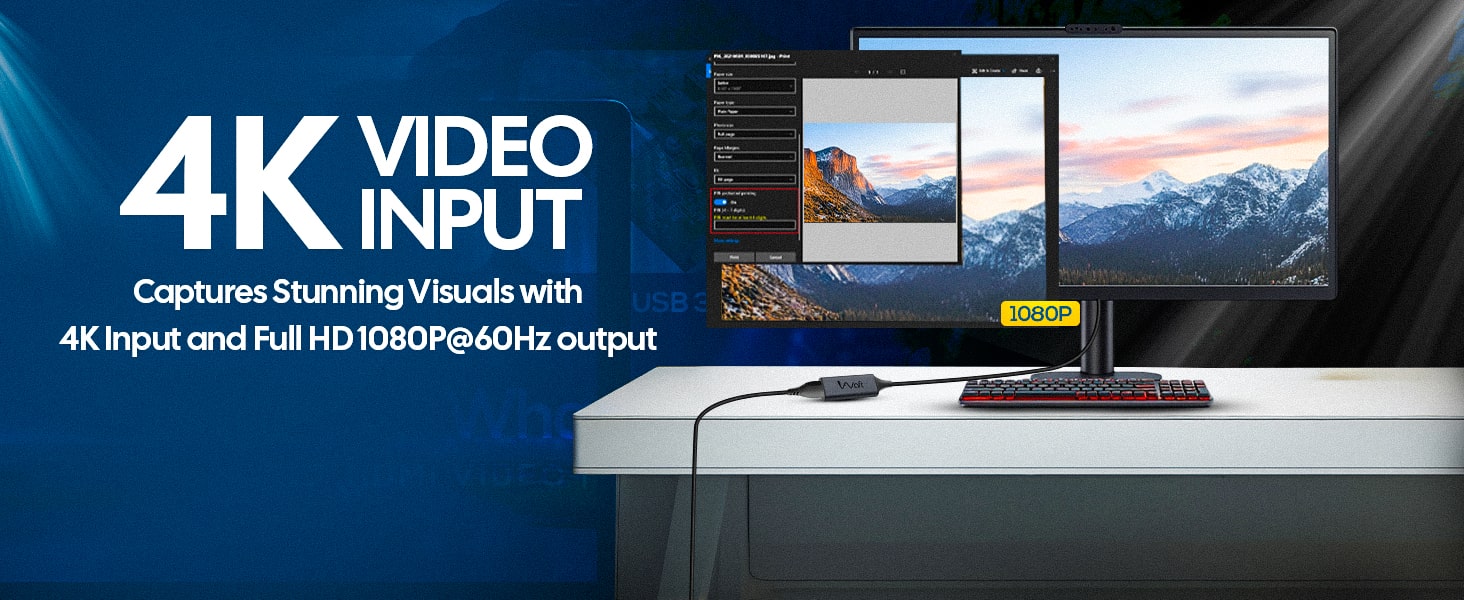
The capture card supports Full HD 1080p resolution at 60 frames per second (FPS), ensuring high-quality video capture for your streaming and recording needs.
It features an HDMI input for video sources and offers both USB and Type-C outputs, providing versatile connectivity options for various devices.
While it can accept 4K input signals, the capture card will downscale the output to 1080p at 60FPS.
Compatibility
The capture card is compatible with PCs, laptops, gaming consoles, cameras, and mobile devices, making it suitable for a wide range of applications.
Yes, the AIWaft Capture Card supports both Windows and Mac OS platforms.
Yes, as long as your DSLR camera has an HDMI output, you can use it with the AIWaft Capture Card for live streaming purposes.
Setup and Installation
No, the capture card offers plug-and-play functionality. It doesn't require additional drivers or software; simply connect it to your device to start capturing.
Connect your video source to the capture card via HDMI, then use either the USB or Type-C output to connect the capture card to your computer or mobile device.
No, it draws power directly from the connected device via the USB or Type-C port.
Usage
Yes, the AIWaft Capture Card is ideal for live streaming on platforms such as Twitch, YouTube, and others.
Absolutely, you can capture and record gameplay from various gaming consoles using this capture card.
Yes, it captures both audio and video signals, ensuring synchronized playback.
Troubleshooting
Ensure all connections are secure and try using a different USB or Type-C port. If the issue persists, restart your computer and reconnect the device.
Check that your source device's audio output is enabled and the volume is turned up. Also, verify that the recording software's audio input settings are correctly configured.
Ensure you're using high-quality HDMI cables and that your computer meets the necessary system requirements. Closing unnecessary applications can also help improve performance.
